Capri Desktop requirements
Windows 10 or 11, macOS 15, Linux or a Quest 3: what each needs, and how much memory, disk and graphics her brain and voice use.
- 4 GB RAM (cloud brain)
- 8–16 GB (local brain)
- macOS 15+
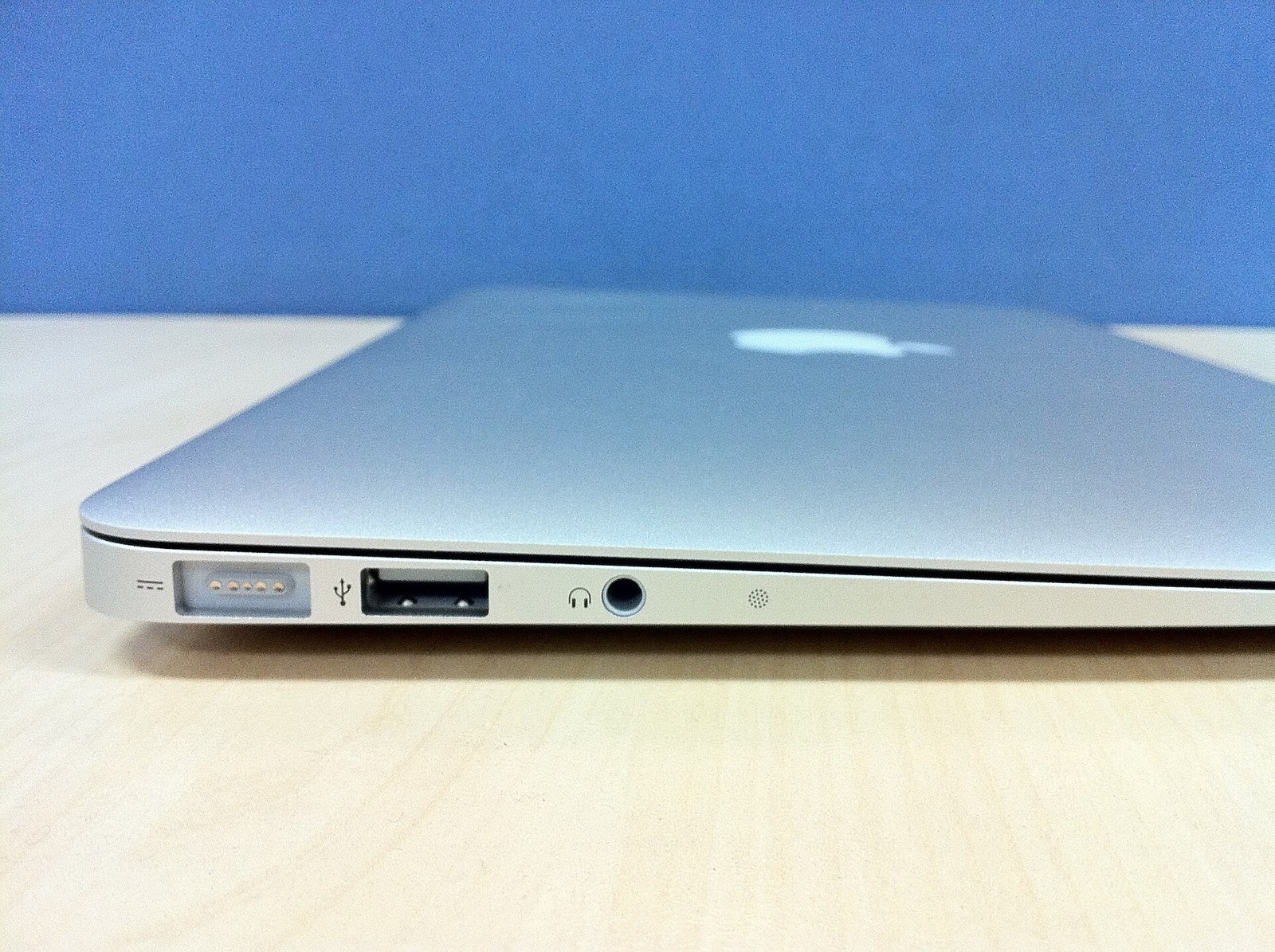
Capri asks little of a computer when her brain runs in the cloud, and a lot more when it runs on your own machine. The figures here are the README’s, with the extra downloads from the release notes.
Systems she runs on
| System | Needs | Notes |
|---|---|---|
| Windows | 10 or 11, 64-bit | Nothing else to install. VB-CABLE is installed only if you turn on her voice in your mic for calls. |
| macOS | 15 or newer | Apple silicon and Intel zips. Not notarized: one xattr command needed. |
| Linux | x86_64 desktop | AppImage or tarball. X11 for window perching; Wayland puts her on the bottom edge, KDE Wayland works through KWin. |
| Meta Quest | Quest 3 or 3S | Developer Mode and a computer to sideload the APK once. |
Memory, disk and graphics
The README’s own table for Windows. The same split applies on Mac and Linux.
| Brain on your PC | Brain from a key (like the free NVIDIA one) | |
|---|---|---|
| Memory | 8 GB, 16 GB is better | 4 GB |
| Graphics card | Optional; 4 GB or more makes her faster | Not needed |
| Disk space | 3 to 5 GB | Under 100 MB |
| Internet | Only for the download | Always |
Optional downloads and extras
| Extra | What it needs |
|---|---|
| Her offline ears (English) | Parakeet TDT 0.6B v2, about 482 MB, downloaded by herself |
| Ears for 24 European languages | Parakeet TDT 0.6B Ultra, about 487 MB, once you pick the language |
| “Hey Capri” wake word | An 18 MB pack; Windows and English only |
| HD voice (Qwen3-TTS 1.7B) | 6 GB of graphics memory and 16 GB of RAM recommended; 4 GB may fit with smaller chunks, or slower on CPU |
| Voice in your Discord mic | VB-CABLE by VB-Audio, installed by its own setup |
A microphone for voice chat
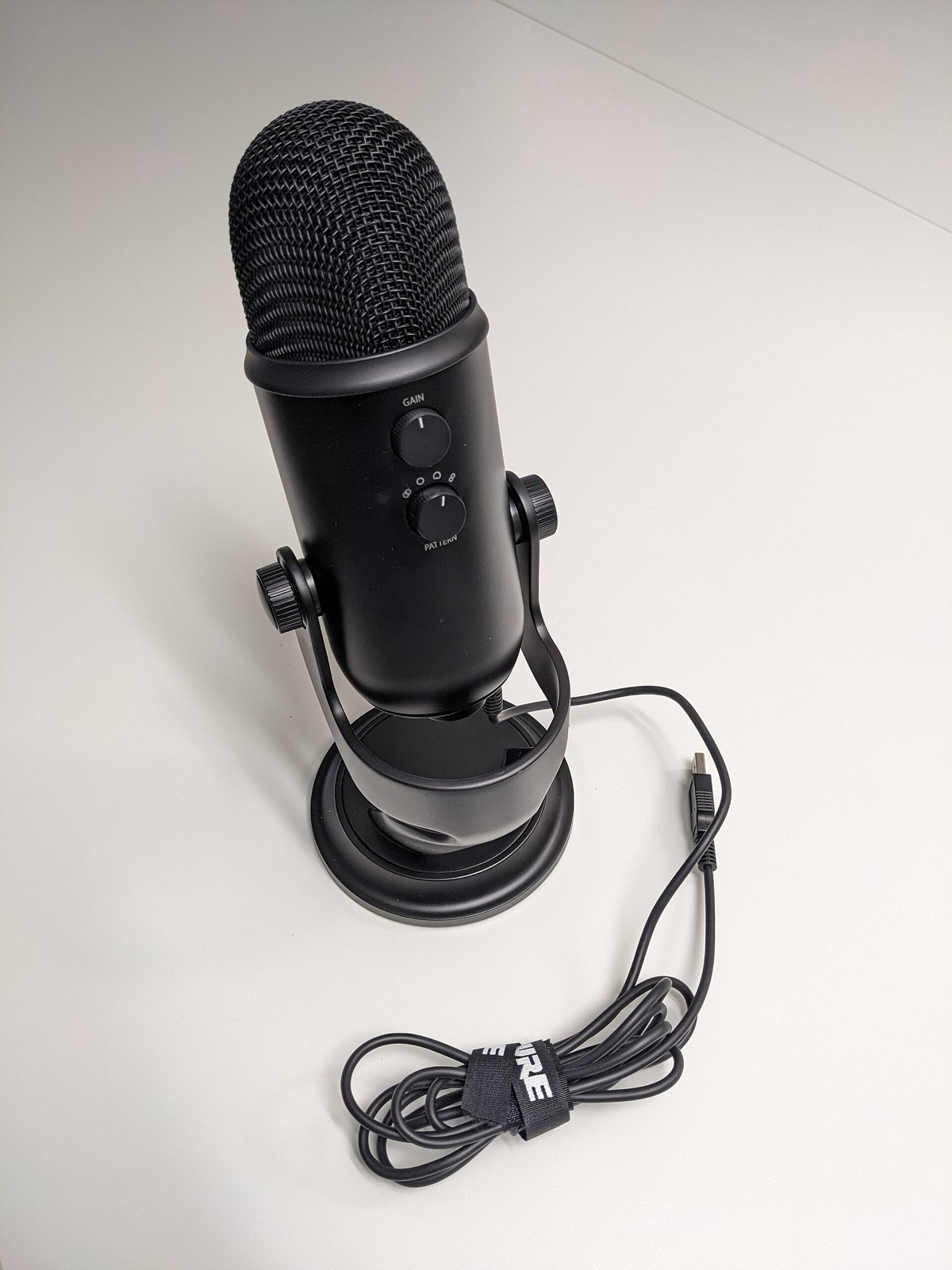
Typing to her needs nothing. Voice chat, “Hey Capri” and call mode need a microphone; you can pick which one, and her speaker, in the Mainframe. A headset mic works; a desk USB microphone hears you more clearly from a distance:
- Blue Yeti USB microphone: a plug-in USB microphone with its own stand and gain knob.
- FIFINE K669B USB microphone: a smaller, lower-priced USB microphone.
As an Amazon Associate, this site earns from qualifying purchases.
Meta Quest for Capri VR
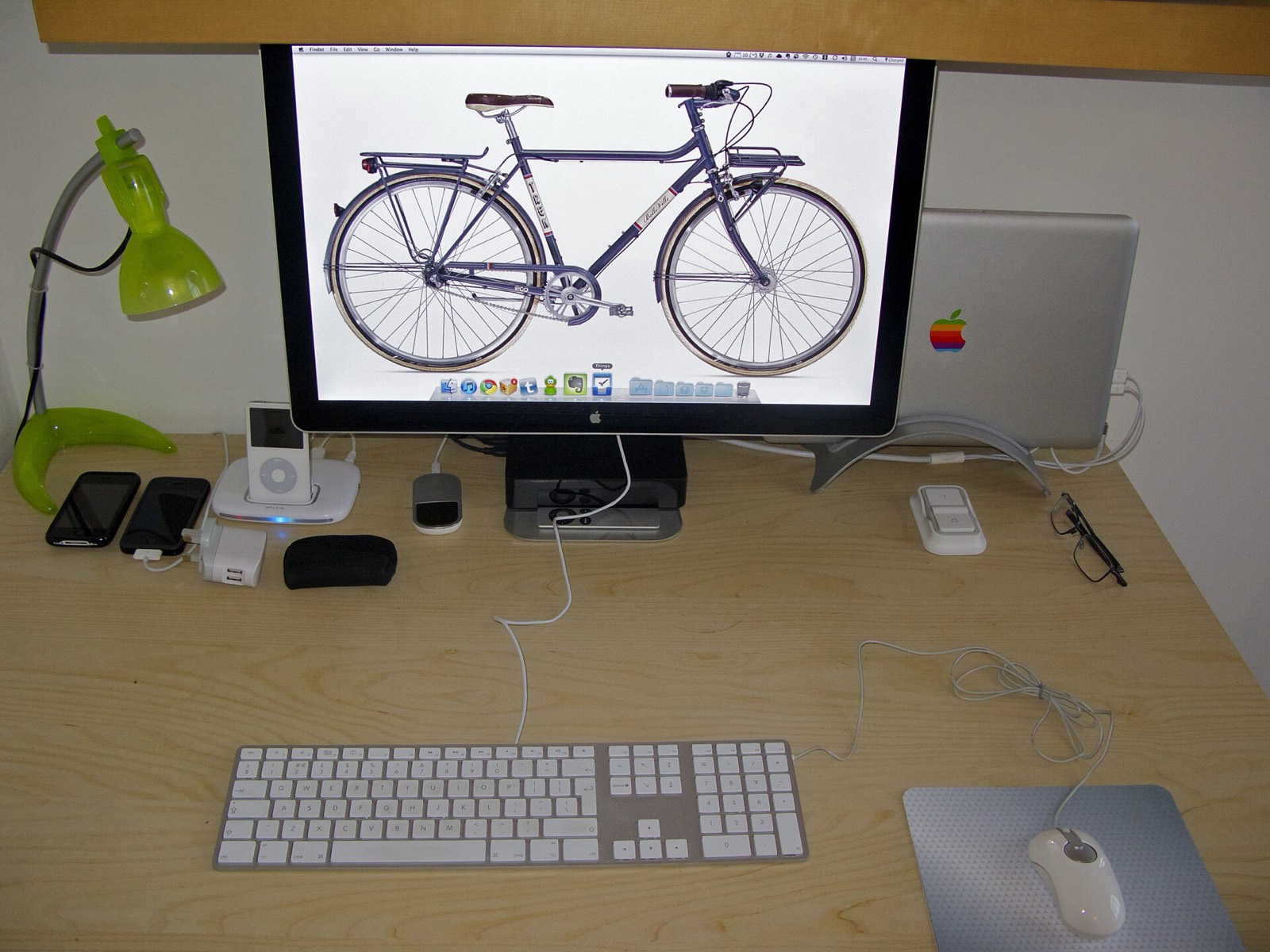
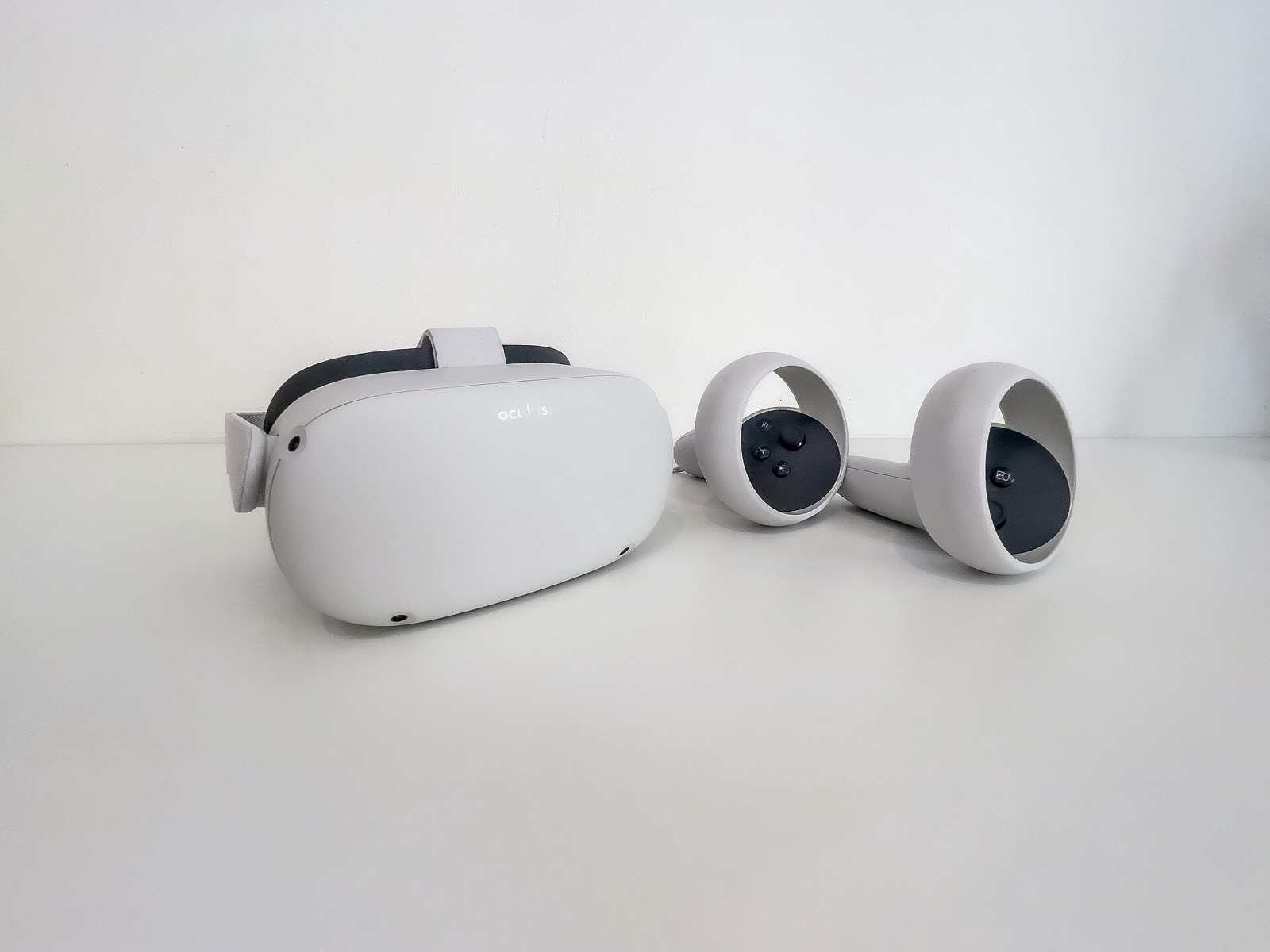
Capri Room runs on Meta Quest 3 or 3S; the README lists no other headset. You need Developer Mode and a computer with a USB-C data cable to sideload it once. A Quest 3S is the lower-priced of the two. Details on the Capri VR page.
Frequently asked questions
What are the Capri Desktop system requirements?
Windows 10 or 11 64-bit with nothing else to install. With a cloud brain such as the free NVIDIA key, 4 GB of RAM and under 100 MB of disk are enough. With a brain running on your PC, 8 GB of RAM (16 GB better), 3 to 5 GB of disk, and optionally a graphics card with 4 GB or more.
Does Capri Desktop need a graphics card?
Not with a cloud brain. A card with 4 GB or more makes a local brain faster, and the optional HD voice wants 6 GB of graphics memory with 16 GB of RAM.
Does Capri work on Windows 7 or 32-bit Windows?
The README lists Windows 10 or 11, 64-bit only. Voice chat on Windows 10 was fixed in 0.7.2.
What Mac do I need for Capri Desktop?
Any Mac that runs macOS 15 or newer, Apple silicon or Intel; pick the matching zip. Voice chat and calls are not on Mac yet, so a microphone is not needed there.
Will Capri slow down my games?
With a cloud brain she uses little, and 0.8.5 added a power saver for games. With a local brain the model competes with your game for memory and graphics. Some report she can turn invisible in a DirectX 11 game (#159).